
You may have received a notice from Amazon to renew your Amazon connection, or a red banner in Taxomate may say Taxomate cannot reach Amazon. This usually happens about a year after you connect Amazon to Taxomate. Amazon does this for security.
Renewing is easy:
Go to Settings > Connections and select Amazon. (You can also select Reconnect Amazon in the banner.)
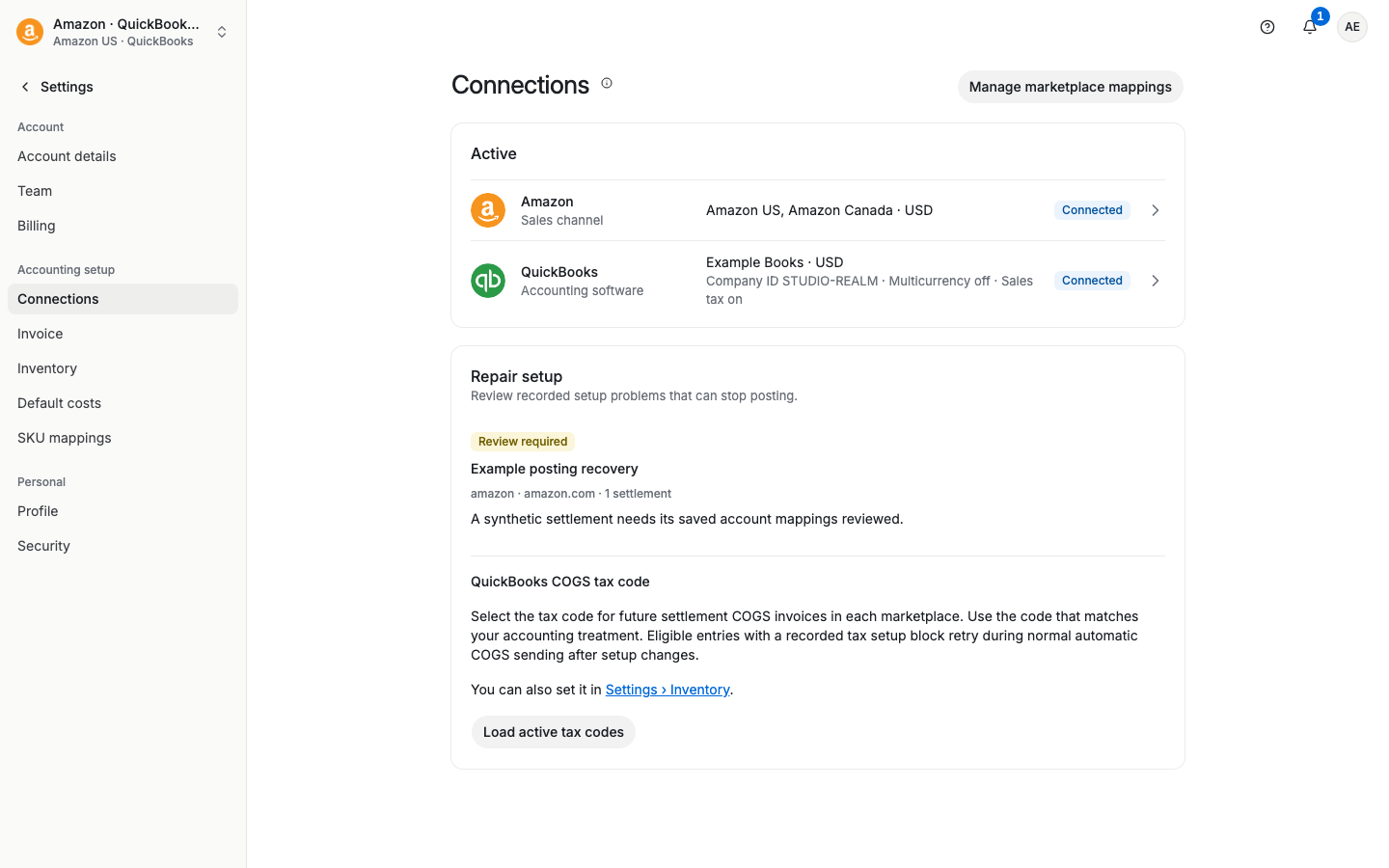
Find the marketplace that shows Reconnect needed. It also says "Amazon access may expire soon. Reconnect to renew it."
Select Reconnect next to that marketplace.
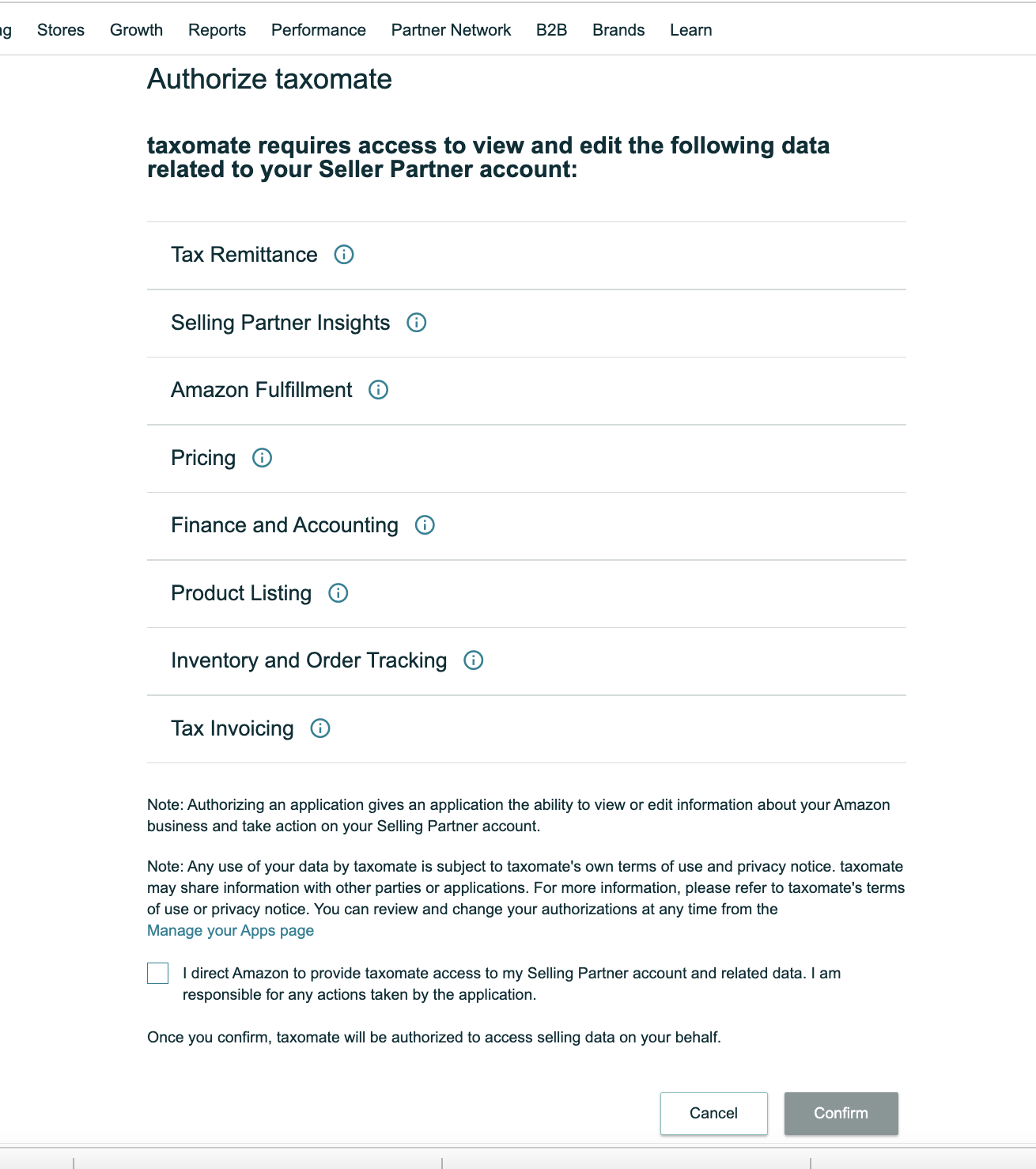
Amazon asks you to authorize Taxomate for that marketplace. Once you authorize, it brings you back to Taxomate and you are all set.
Repeat for each marketplace that shows Reconnect needed.