
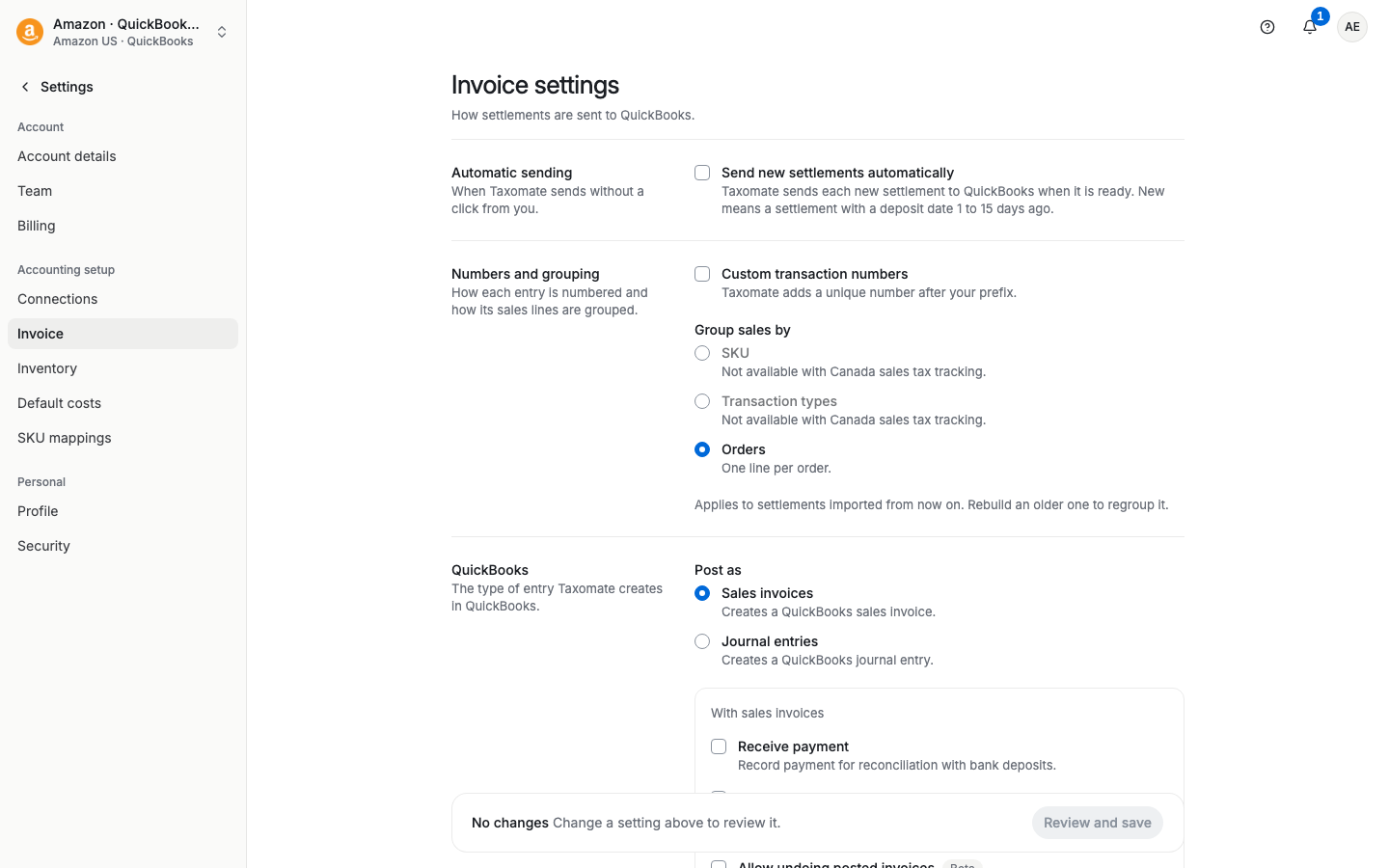
If you are sending invoices (instead of journal entries) to QuickBooks, we provide you with the option to record (receive) payments linked to your settlement invoices:
We have found this to be very helpful in reconciling split settlements (multiple invoices).
To turn this feature on, go to Settings > Invoice. In the QuickBooks section, make sure Post as is set to Sales invoices. Then turn on Receive payment ("Record payment for reconciliation with bank deposits."). Select Review and save, read the review, and confirm.
When you choose Journal entries instead of Sales invoices, the Receive payment option does not show. (With journal entries you can turn on Create deposit instead.)
When this is on, we record an invoice payment for each settlement. The setting applies to settlements you import from now on. Rebuild earlier settlements that are not sent yet to apply it.
Sometimes when an invoice and credit memo are both present, we will not send payment. Please see this article on how to reconcile.