You can cancel your subscription at any time. You do not need to contact us.
Cancel your subscription
Go to Settings > Billing.
Under Cancel or close, select Cancel subscription.
Choose the main reason you are leaving, and add anything you want us to know. This step is optional: select Skip and cancel to go on.
For some reasons we show one option first, for example a cheaper plan or a check of your setup with support. To cancel anyway, select No thanks, cancel my subscription.
Check the end date and select Cancel subscription.
Your plan stays active until the end of the billing period, and you are not charged again. After that, imports and automatic sending stop, and you cannot open settlements, payouts or reports until you choose a plan again. Your data is not deleted. To leave without cancelling, select Keep my subscription.
Only an account admin can cancel. If you pay through the Shopify App Store, cancel the app in Shopify or email us.
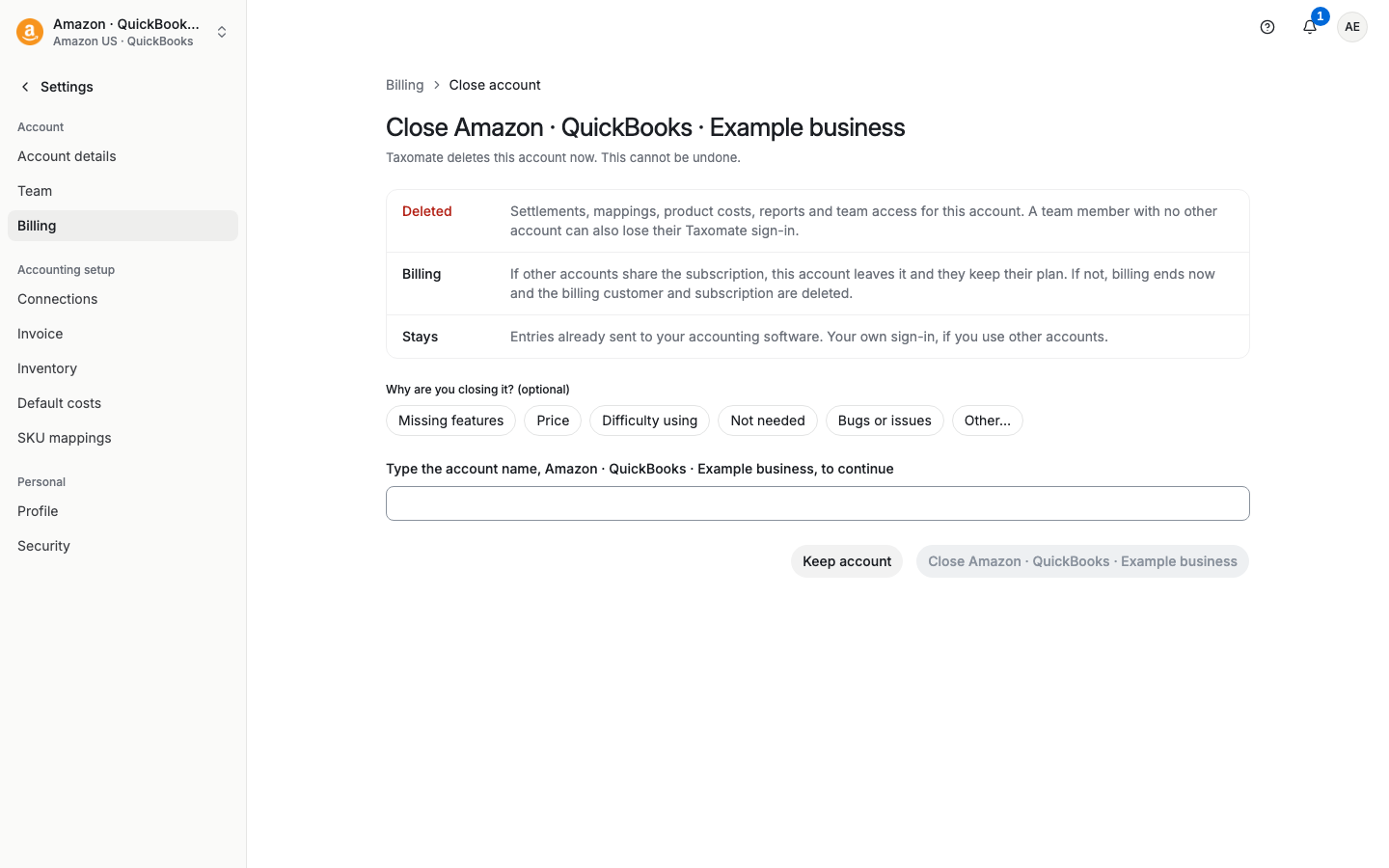
Close your account
Closing your account is different from cancelling. Close account (under Cancel or close on Settings > Billing) deletes this account and its data in Taxomate now. If other accounts share the subscription, they keep it. Otherwise billing ends now. You type the account name to confirm. Entries already sent to your accounting software stay. You cannot undo it.