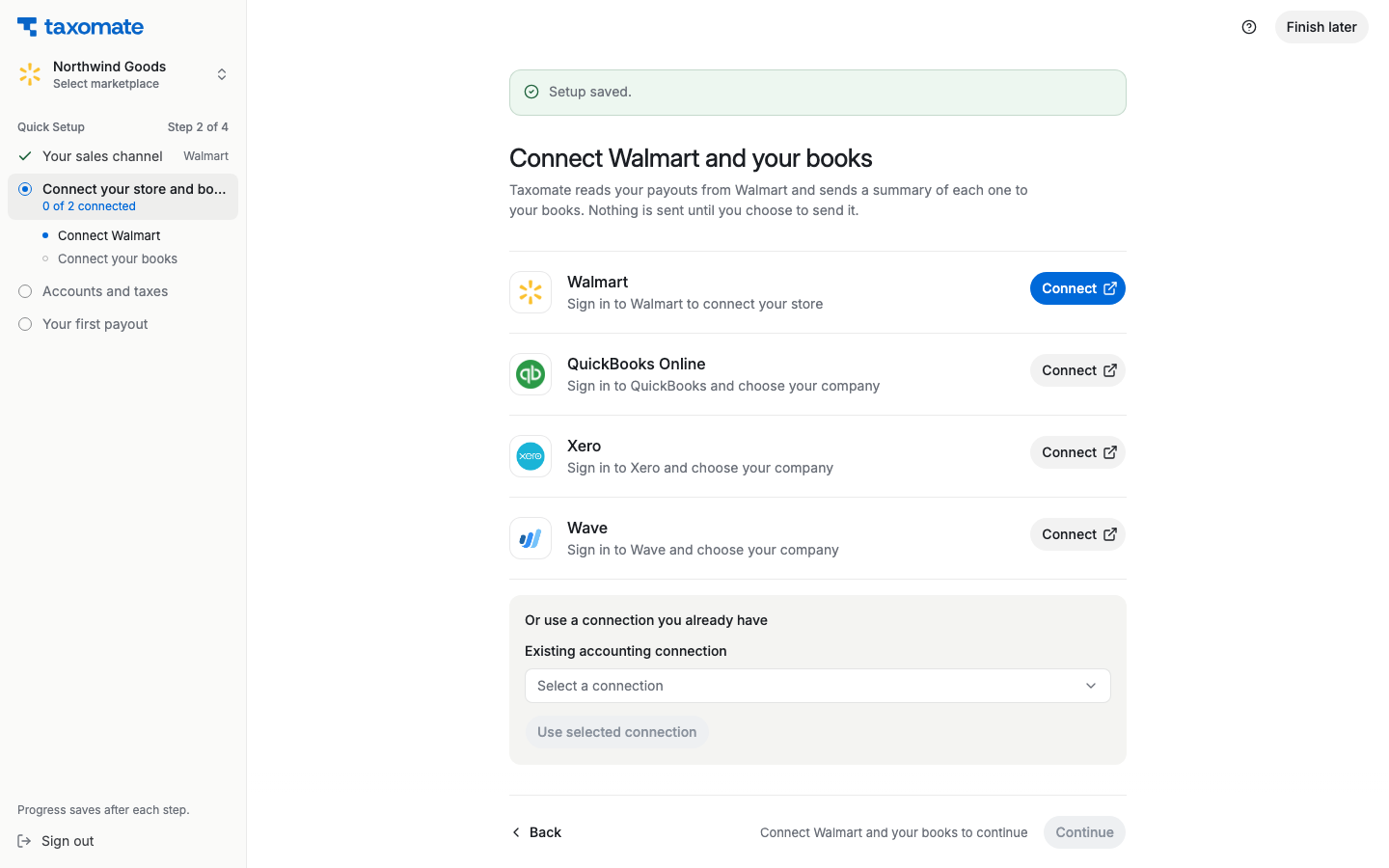
You no longer need to create or enter a Walmart Client ID or Client Secret. Connect your Walmart.com account from Taxomate:
In Quick Setup, select Walmart as your sales channel and continue.
Select Connect on the Walmart row.
Sign in to Walmart and approve the requested access.
Return to Taxomate and check that the account is connected.