
If you are switching over from another Amazon accounting software (e.g., a2xaccounting) and using QuickBooks with journal entries, the names of the journal entries sent from Taxomate may default to the names of your previous software.
For example, you may see "QuickBooks > Journal Entry A2XUS-05Aug-19Aug-564."
To fix this, use a custom transaction number prefix:
Go to Settings > Invoice.
Under Numbers and grouping, turn on Custom transaction numbers.
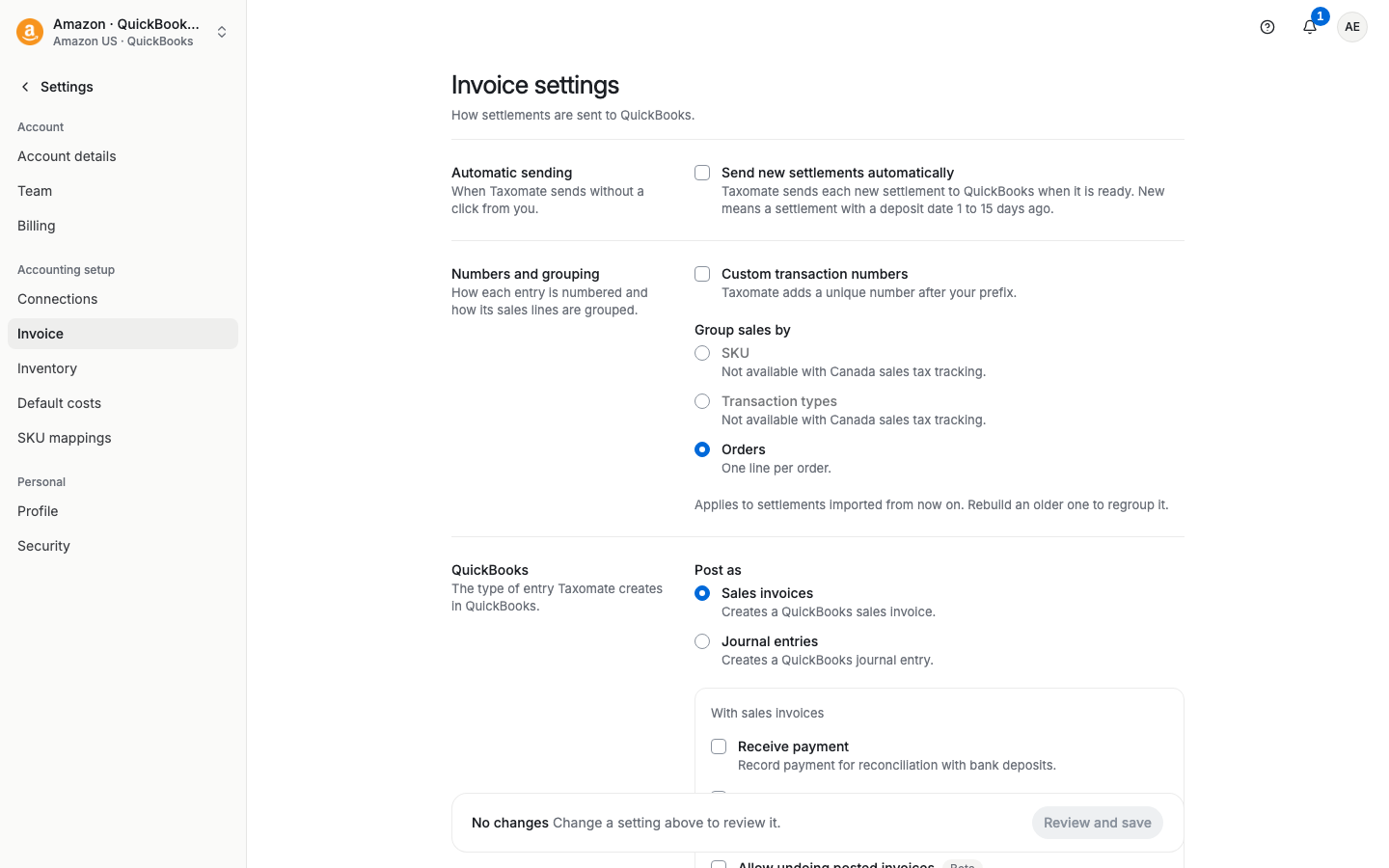
Enter the Transaction number prefix you want. Use 2 to 6 characters. Taxomate adds a unique number after your prefix.
Select Review and save, read the review, and confirm.
This setting only shows when QuickBooks is connected.
ℹ️ Remember to Rebuild all settlements that are not sent yet before you send them, so the prefix is applied. A settlement that is already sent keeps its old name. To change it, delete its entries first, then rebuild and send it again.