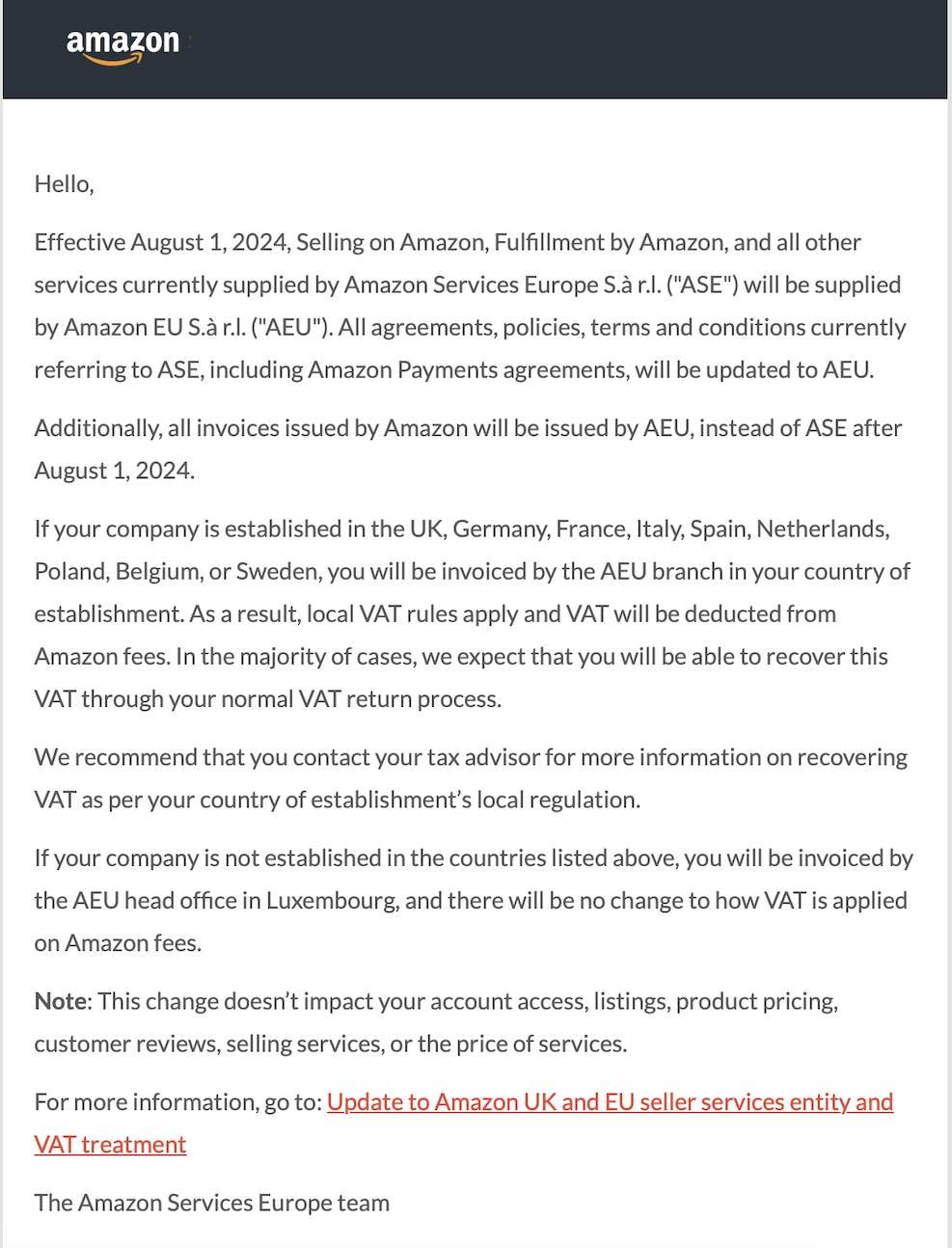
Effective August 1, 2024, Amazon.co.uk will begin providing services from its new UK entity (Amazon Services Europe S.àr.l (AEU)) instead of its EU entity (Amazon EU S.à r.l (ASE)). This change impacts how VAT is charged and reported for Amazon fees.
According to the announcement from Amazon Services Europe:
All agreements, policies, terms, and conditions referring to ASE will be updated to AEU.
Invoices issued by Amazon will be issued by AEU instead of ASE after August 1, 2024.
Businesses established in the UK, Germany, France, Italy, Spain, Netherlands, Poland, Belgium, or Sweden will be invoiced by the AEU branch in their country of establishment. Local VAT rules will apply, and VAT will be deducted from Amazon fees.
Businesses outside these countries will be invoiced by the AEU head office in Luxembourg, and there will be no changes to how VAT is applied to Amazon fees.
For detailed information, please refer to the official Amazon update email:
To accommodate these changes, you must map Amazon fees appropriately within Taxomate. Here's how to update your VAT mappings for Amazon fees before and after August 1, 2024:
Go to quick setup by clicking here.
Under Fees and other transaction types, find the four dated Amazon fee rows. The table shows when each row applies and the tax code that Taxomate selects by default.
Row | When it applies | Default tax code | Rate |
|---|---|---|---|
Seller Fees (After August 1, 2024) | Seller fees from 1 August 2024: Adjustments, Commissions and Selling Fees, Other, Shipping Expense, and Subscription and Service Fees. | 20% (VAT on Expenses) | 20% |
FBA Fees (After 1 August 2024 - Shipped to UK, Dispatched from UK) | FBA fees from 1 August 2024 (Delivery and Transport, and Fulfillment and Warehousing) on orders that ship from a UK warehouse to a UK customer. | 20% (VAT on Expenses) | 20% |
FBA Fees (After 1 August 2024 - Shipped to / Dispatched from Outside UK) | FBA fees from 1 August 2024 (Delivery and Transport, and Fulfillment and Warehousing) on orders that ship to a UK customer from a warehouse outside the UK. | 20% - Reverse Charge | 0% |
Seller & FBA Fees (Before 1 August 2024) | Seller and FBA fees before 1 August 2024, when Amazon EU S.à r.l (ASE) in Luxembourg invoiced the fees. | 20% - Reverse Charge | 0% |
A reverse charge row has a 0% rate because Amazon does not charge VAT on those fees. You account for the VAT yourself under the reverse charge.
For "Seller Fees (After August 1, 2024)" and "FBA Fees (After 1 August 2024 - Shipped to UK, Dispatched from UK)", we recommend mapping to (20%) VAT on Expenses (INPUT2).
For "FBA Fees (After 1 August 2024 - Shipped to / Dispatched from Outside UK)" and "Seller & FBA Fees (Before 1 August 2024)", we recommend mapping to (20%) Reverse Charge Expenses (REVERSECHARGES).
When you save your VAT rates, Taxomate applies the three rows dated after 1 August 2024 to your Amazon.co.uk fee mappings.
Taxomate saves the rate on "Seller & FBA Fees (Before 1 August 2024)", but does not apply it to your fee mappings. If you post a settlement with fees from before 1 August 2024, check the tax code on those fee lines in your accounting software.
These rows do not set the tax code for FBA fees on orders that ship from a UK warehouse to a customer outside the UK. Check that tax code on Accounts and taxes.
If you confirmed your VAT rates in an earlier version of Taxomate, you may see two older rows instead: "Amazon Fees (Before August 1, 2024)" and "Amazon Fees (After August 1, 2024)". Each one covers all seller and FBA fees. Taxomate applies the "After" row to your fee mappings.
Note: Always consult with your tax advisor to ensure compliance with local VAT regulations.
