
Taxomate lets you create more accounts with your login email. This helps if you sell on more than one channel or if you are an accountant or bookkeeper with several clients. One Taxomate account is one store on one sales channel.
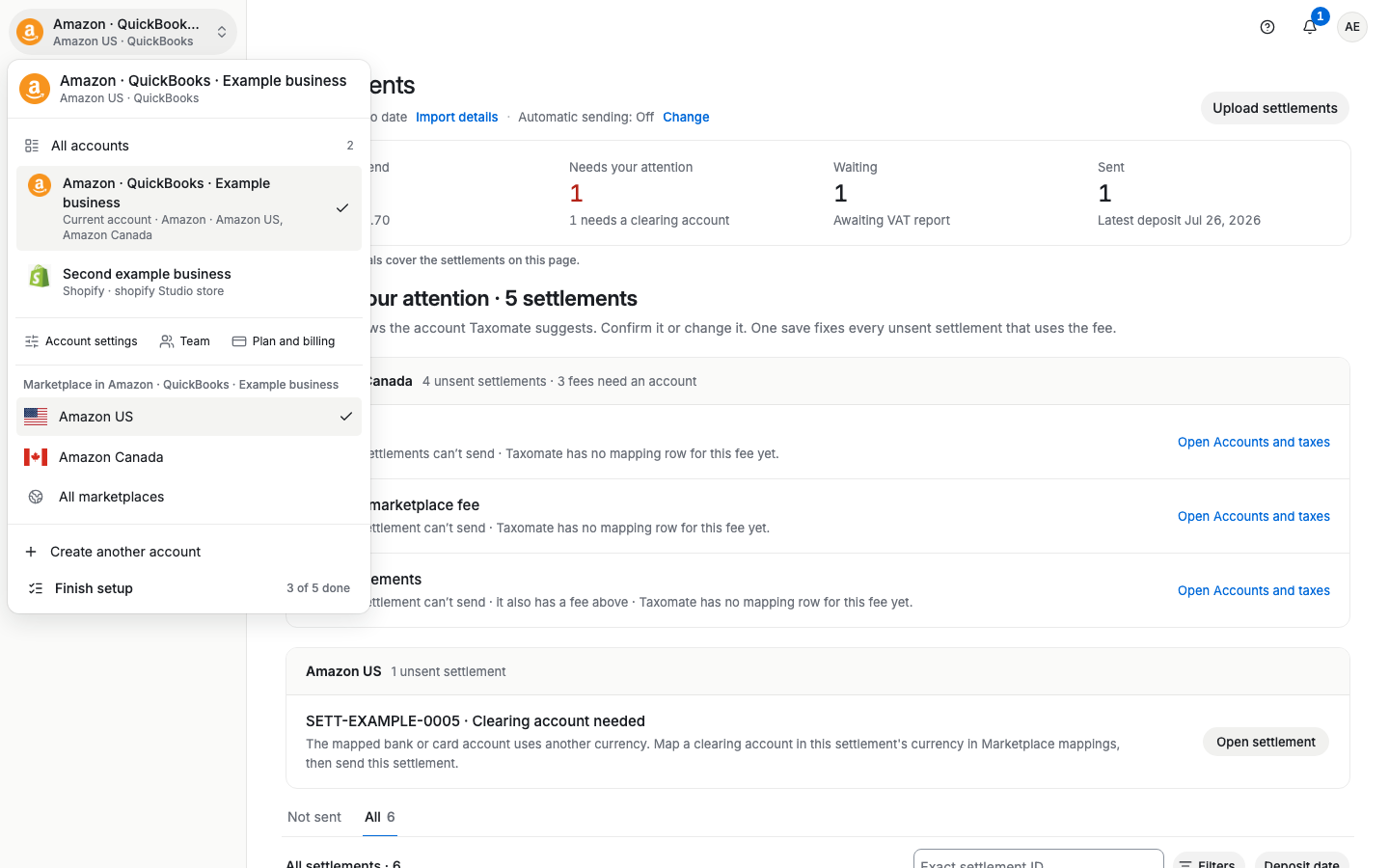
Step 1. Open the account switcher at the top of the sidebar and select Create another account. (You can also go to Settings > Account details and select Create account.)
Step 2. Enter an Account name and choose the Sales channel: Amazon, Shopify, Walmart, eBay, Etsy, or TikTok Shop.
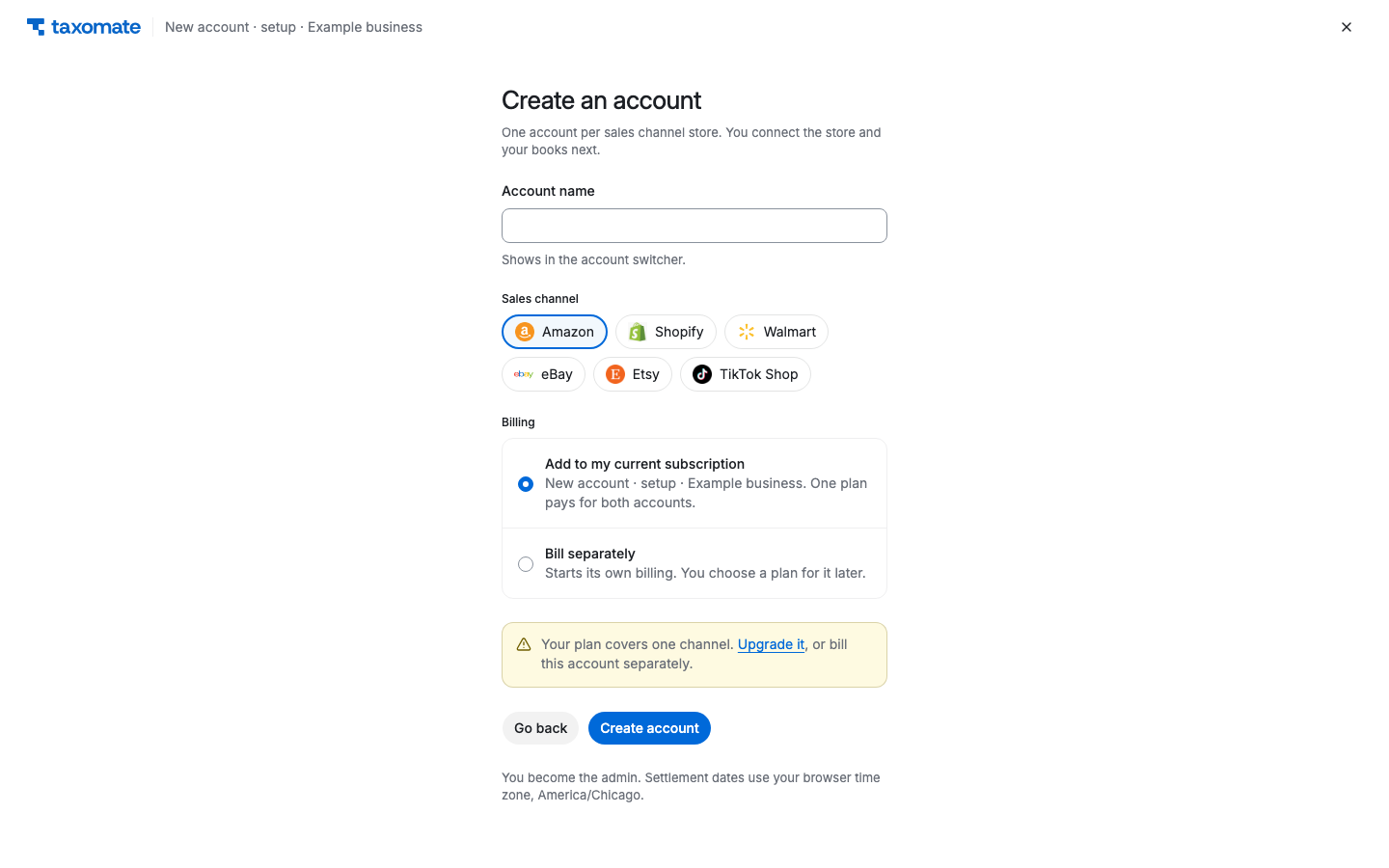
Step 3. Under Billing, choose Add to my current subscription to put the account under your existing plan, or Bill separately to start its own billing later. If your plan covers one sales channel, the page says Your plan covers one channel. Select Upgrade it (it opens the plans page), or choose Bill separately.
Step 4. Select Create account. You become the admin. Quick Setup opens so you can connect the store and your accounting software.
If you are an accountant or bookkeeper, use Add client in the switcher menu instead. You invite your client to connect their own Amazon account from Settings > Team. Amazon does not let non-sellers connect third-party apps.